

Weekly Pass
$5.99week
150 credits per renewal
≈ 2 chorus cuts (15 s)
Every model and resolution · 2 renders at once
Credits valid for 7 days
DimlyMusic Video Maker
Turn a Suno track or your own song into a directed music video. The crew locks a style, directs each section, and cuts the whole song to your original audio.
 MiniMax H3
 Seedance 2.5
02THE TAKES
Three sample takes — a packed basement, a night drive, a ridge above the fog. Generated clips with the light, lens and rhythm a director would choose, shown before your song and final edit are in the frame.
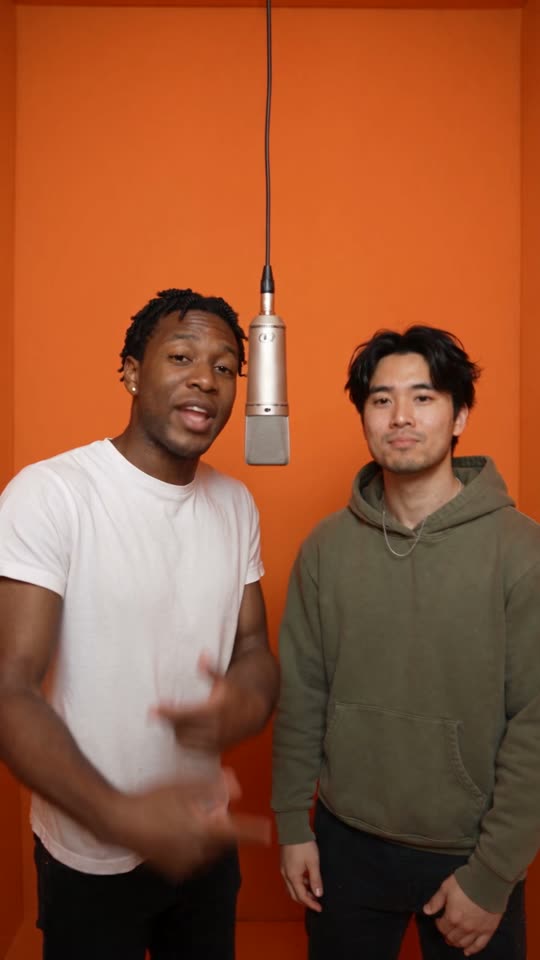 Also from DimlyAI Rap Duo GeneratorNo song yet? Two photos become a 12-second video of both people rapping an original song written for them.Direct your own scene
03FROM TRACK TO FOOTAGE
Bring a Suno track or music you own, then move from song analysis to style, direction, section quotes and export — one connected workflow, one directed music video.
SEQUENCE MAP
Import a Suno link or upload music you own or may use. Song analysis comes first — waveform, energy, structure — before anyone touches a frame.
FULL SONG / SOURCE AUDIO04THE DIRECTOR
Describe what the song should feel like. Dimly connects light, framing, camera movement and pace into a direction you can review before generation.
The chorus feels lonely. Keep her still as the world moves around her.
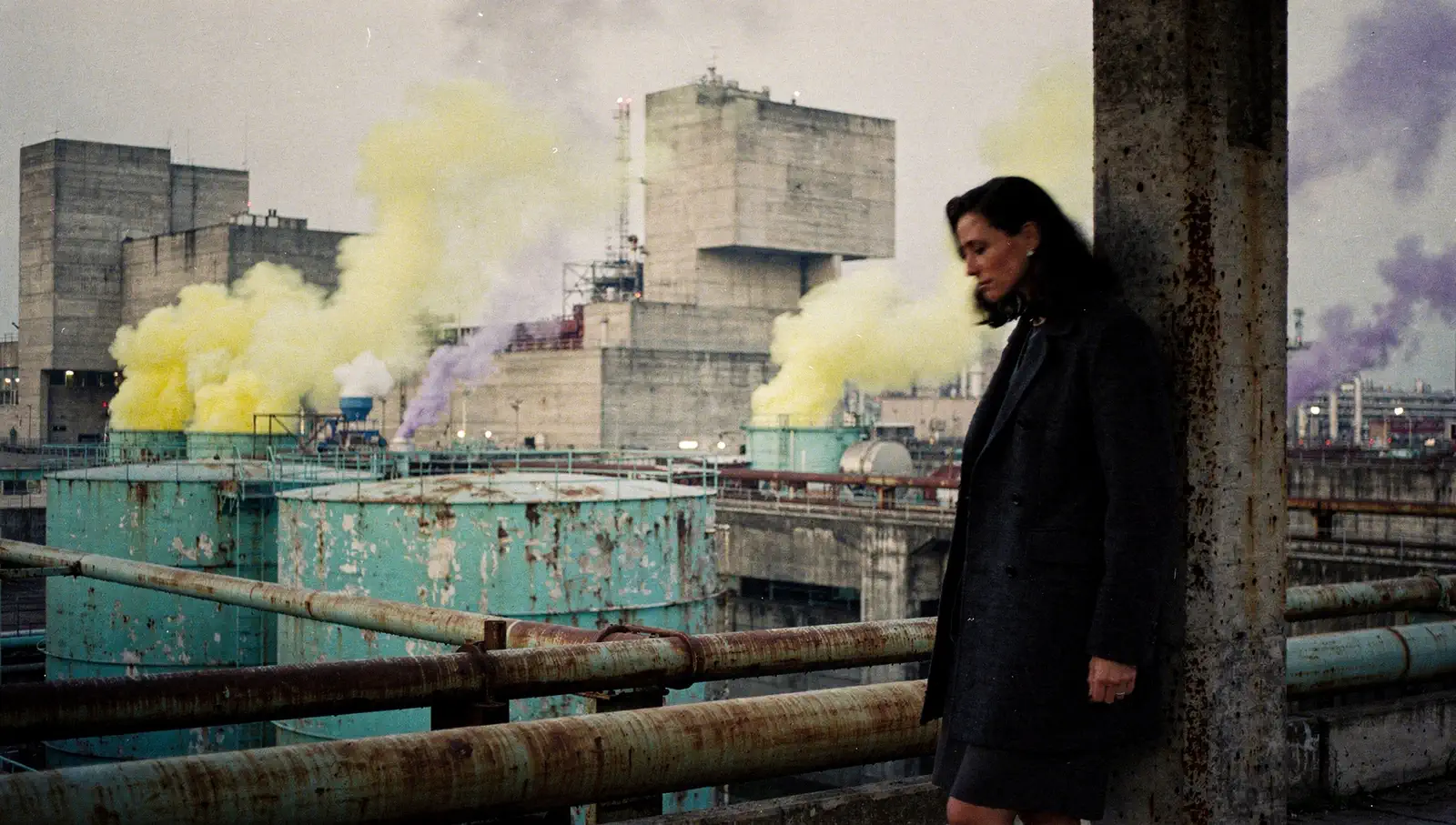
Keep the daylight soft. Let pale yellow and violet smoke carry the color, while the face stays in the same quiet light.
05THE MAKING OF
One flow, however you start: the full song, a lyric video, a music visualizer — or Chorus Cut, the same flow closed into one 15-second shot. This is the full-song film, from upload to export.
 01
01 02
02 03010203
 Dim · Director
Upload a track you own or may use, or import your Suno song. Song analysis comes first — waveform, structure, lyric timing — so every decision after this one reads the song itself.
Make a music video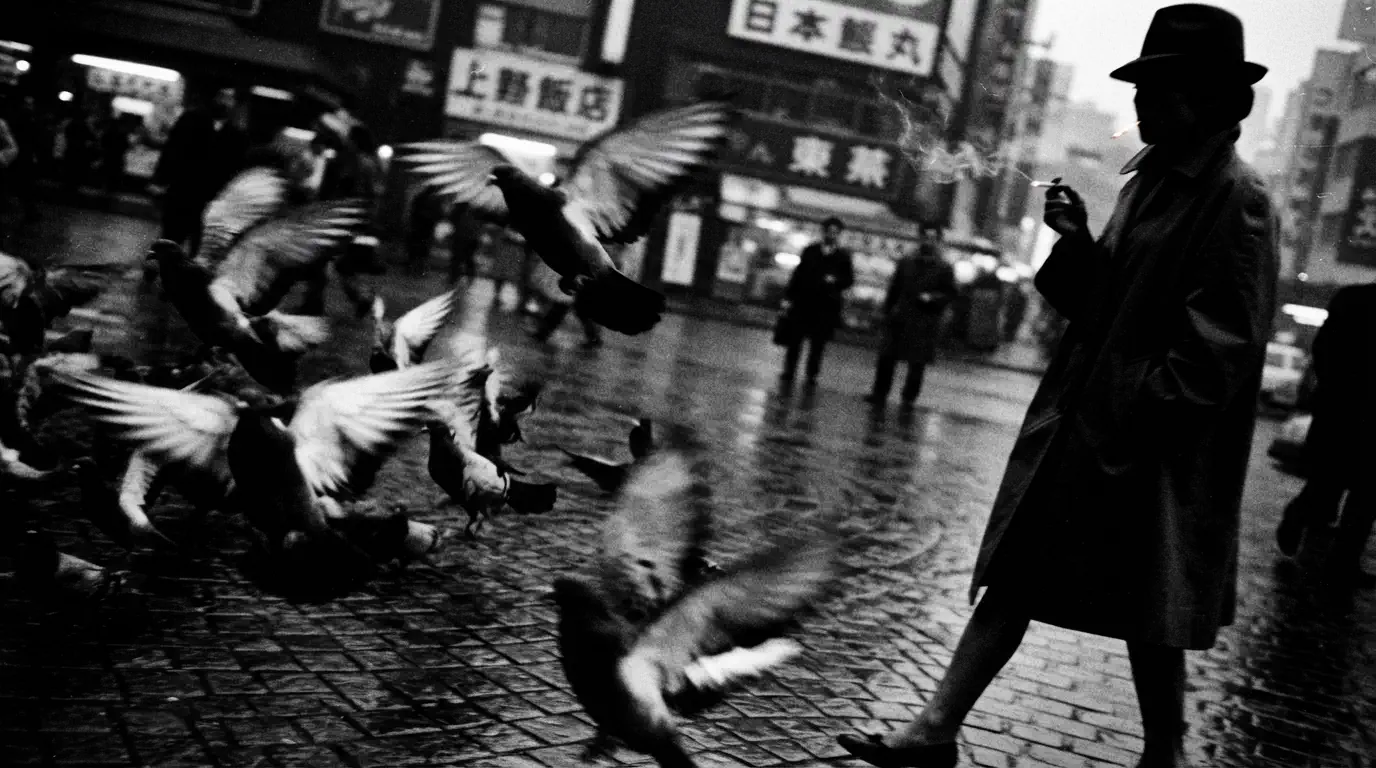
06Pricing
Planning is free, and so are your first images: upload a song and the crew analyzes it, plans every shot and shows the quote before you pay. Every plan gets every model; plans differ by credits and render speed.
$5.99week
150 credits per renewal
≈ 2 chorus cuts (15 s)
Every model and resolution · 2 renders at once
Credits valid for 7 days
$26.99month
680 credits per renewal
≈ 9 chorus cuts (15 s)
or one song up to 2:40
Every model and resolution · 3 renders at once
Credits valid for 30 days
$39.99month
1,010 credits per renewal
≈ 14 chorus cuts (15 s)
or 1 full 3-min song
Every model and resolution · 4 renders at once
Credits valid for 30 days
Also 2,000 / 3,000 credits a month
$199month
5,050 credits per renewal
≈ 73 chorus cuts (15 s)
or ≈ 6 full 3-min songs
Every model and resolution · 8 renders at once
Credits valid for 30 days
Estimates use MiniMax H3 at 768P with 5-second shots, a keyframe per shot, two reference sheets and no retakes; higher resolutions and Seedance cost more per video. You see the exact quote before anything renders, and failed renders are refunded. Subscriptions renew automatically. Switching plans starts the new one right away; credits you already have stay until they expire. One-time credit packs need no subscription.
Compare plans07QUESTIONS
Your music, your rights, your next step.
Dimly AI is an AI music video generator and virtual cinematographer. Bring a Suno track or your own song and Dimly plans connected footage, aligns available lyrics and delivers a finished music video with your source audio. It also runs an AI Rap Duo Generator: two photos become a 12-second video of both people rapping an original song written for them.
Yes. Paste a public Suno track link or upload your own MP3/WAV. Song analysis runs first — waveform, structure, lyric timing — so the crew directs from the song itself. The full song, a lyric video, a visualizer and Chorus Cut all start from this same step.
Generic tools generate disconnected clips from text prompts. Dimly works like a small film crew — direction, camera, art, edit, production — that plans a connected sequence around your song, keeps light and camera consistent, and brings you concrete choices instead of waiting for better prompts.
Directed footage covering your song, your source audio as the soundtrack, and captions where you want them. Length and format follow what you chose to make — the full song, or a 15-second Chorus Cut.
No. Describe what the song should feel like, the way you would tell a director. When a judgment is yours — a look, an opening, a rhythm — the crew asks with concrete options; you can also hand the decision over and keep watching.
Each shot is routed through vetted video models, chosen for lighting, texture and continuity — and the routing can change as newer models pass review. It never changes your quote: every section shows its cost before it renders.
You can publish work when you have the rights to the source audio and inputs. Generated output is also subject to applicable provider and plan terms, so review them for commercial campaigns.
Yes, planning is free, and so are your first few images. Create an account (no card needed), upload a song or paste a Suno link, and Dimly analyzes it (sections, beats, lyric timing), plans the whole video with you and makes your first reference sheets and keyframes at no cost. Video always uses credits, and you confirm a quote before anything renders. Plans start with the Weekly Pass, and one-time credit packs need no subscription.
You can import Suno links or upload standard audio formats (MP3, WAV, AAC). You must own the rights or have permission to use any audio you process on Dimly AI.
Yes, on any plan. A full song simply uses more credits than a chorus cut; the pricing page lists what a 3-minute song costs on each model, and the quote shows the exact number before anything renders.
An export combines the approved visual sequence, your original source audio and captions when lyric timing is available. Each completed export is saved to your export history.
If you own the rights or hold permission for the source song and footage, you can use the finished video commercially. Generated output also follows your plan’s terms and watermark policy, so review both before a client campaign.
Not for a music video. You bring the music; Dimly decides how the whole song is seen — style, direction, the shots and the cut. Only here for the chorus? Chorus Cut runs the same flow and closes it in one 15-second shot. Captions come from lyric timing on your own audio; nothing invents lyrics for a track you did not provide. The one exception is the AI Rap Duo Generator: there Dimly writes and records an original 12-second rap from two photos and the occasion you describe.
A clear stereo track with a defined rhythm, structure or lyrical idea gives the director more to work with. You must own the audio or have permission to use it.
Give your song a scene.
Make a music video08Blog
Essays on music, visual storytelling, and the Harness behind our creative process.
Dimly begins with a simple belief: a music video should give a song somewhere to go, while leaving room for the listener to arrive.
 Dimly team
Dimly’s visual language is a practice of restraint: light, texture, movement, and the quiet distance between them.
Dimly team
Dimly’s Harness is a quiet conversation between a creator, a song, and the choices that keep a sequence from forgetting itself.
Dimly team